
 ES

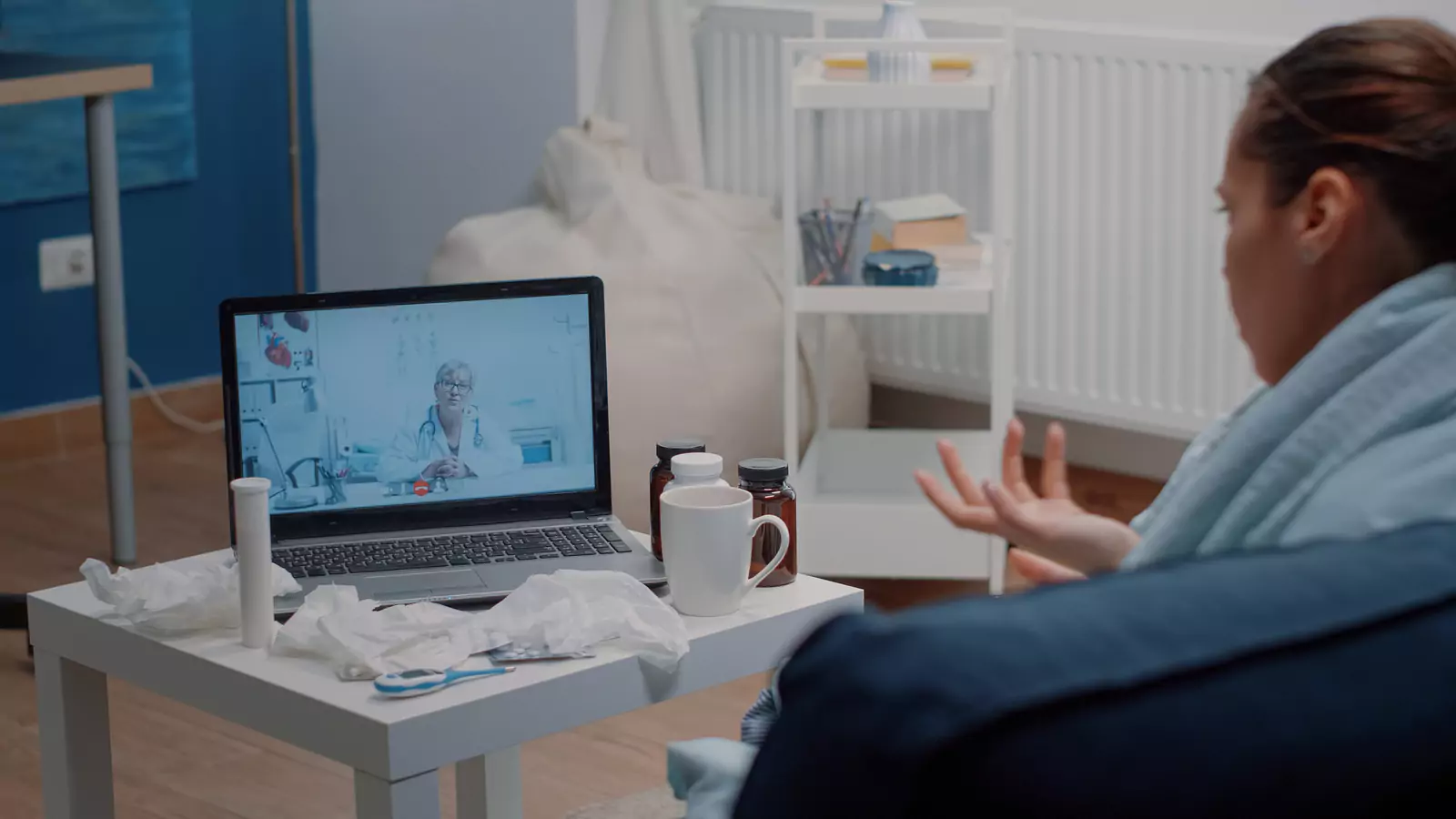







Use Sana Telehealth Away From Home
Confirm location, privacy, pharmacy, benefits, and an in-person backup while traveling in Texas.
Keep the Visit Grounded in the Patient’s Real Location
Telehealth can travel with a patient, but medical practice, emergency routing, pharmacy access, and benefits still depend on where the patient is physically located.
A hotel room, relative’s home, temporary rental, or private workplace can support a video visit when privacy, connectivity, and clinical suitability are adequate.
VirtualCare2go states that its telehealth service is available statewide in Texas and that it accepts Sana Benefits. Acceptance does not guarantee coverage for every member, service, prescription, or follow-up. Verify the current plan and patient location before booking.
Confirm That the Patient Is in Texas
Provide the exact physical address and a callback number at the beginning of the appointment.
If the patient has crossed a state line, contact VirtualCare2go before scheduling. Do not assume the Texas service follows the traveler into another state.
Identify a nearby urgent-care clinic and emergency department. The video clinician may determine that hands-on care, testing, imaging, or a procedure is necessary.
Do not connect while driving or moving between destinations. A stationary location protects the patient, improves communication, and provides a usable address if the care setting must change.
Verify Sana for This Encounter
Ask Sana whether VirtualCare2go and the requested telehealth service participate for the member’s plan.
Confirm:
- Active eligibility
- Provider participation
- Telehealth benefits
- Referral requirements
- Authorization requirements
- Copay, deductible, or coinsurance
- Pharmacy benefit rules
- Participating laboratories
- In-person follow-up requirements
- Whether the patient’s location affects benefits
Record the representative’s name, date, and reference number.
The VirtualCare2go Sana Benefits page is the brand’s primary source for the relationship. The member’s current plan documents and Sana control the individual benefit determination.
Create Privacy in a Temporary Space
Hotel rooms, guest rooms, and temporary workspaces may contain interruptions that do not occur at home.
Before the appointment:
- Close and lock the door when appropriate
- Use a “do not disturb” sign
- Silence housekeeping or delivery notifications
- Use headphones
- Tell companions when privacy is needed
- Remove work documents from view
- Check the camera background
- Turn off voice assistants
- Silence other devices
Avoid hotel lobbies, airport gates, rideshares, restaurants, shared offices, and other public settings.
The patient should decide who remains in the room. A travel companion may help with measurements or communication, but the patient may still need time to speak privately with the clinician.
Bring a Portable Health Record
Travelers should carry a concise health summary containing:
- Current medicines and doses
- Allergies and reactions
- Major medical conditions
- Recent procedures
- Relevant test results
- Regular clinicians
- Preferred home pharmacy
- Emergency contact
- Insurance information
- Important medical devices
- Current symptom timeline
Do not rely on access to the home medicine cabinet or memory.
If the traveler forgot a medicine, provide the exact name, dose, prescriber, last dose, and reason for use. A telehealth appointment does not guarantee replacement or refill.
Prescribing decisions depend on the patient’s history, records, examination limitations, and applicable requirements.
Choose a Local Pharmacy Before Connecting
Confirm a nearby pharmacy’s:
- Name
- Address
- Phone number
- Hours
- Ability to receive electronic prescriptions
- Sana network status when relevant
Tell the clinician how soon the patient will leave the area. The timing may affect whether the local pharmacy or usual pharmacy is practical.
A prescription is never guaranteed. If one is sent, the pharmacy benefit may have its own formulary, authorization, or quantity rules.
Ask the pharmacy about cost and availability before traveling to pick up a medicine.
Prepare the Camera and Available Measurements
Use front-facing light, a stable surface, and a reliable internet connection.
Gather relevant home or travel measurements if they are available:
- Temperature
- Pulse
- Blood pressure
- Oxygen saturation
- Weight
- Blood glucose
Record when and how the measurements were taken. Do not delay necessary care to obtain a device.
For a visible symptom, use even lighting and show both the wider area and a closer view. Do not perform a painful or unsafe movement solely for the camera.
Video provides observation, but cannot reproduce every hands-on examination.
Explain the Travel Context
Tell the clinician:
- Current location
- Upcoming travel
- Flight or driving schedule
- Available support person
- Access to transportation
- Recent activities
- Changes in food, sleep, or hydration
- Possible exposures
- Whether the patient can remain at the location
Travel details may affect how quickly an in-person evaluation can be completed.
Do not ask the clinician to choose treatment primarily to preserve the itinerary. Clinical safety comes first.
Keep Travel Plans Secondary to Safety
A flight, meeting, event, or reservation does not change emergency thresholds.
Call 911 for:
- Severe breathing difficulty
- Chest pressure
- Stroke symptoms
- Uncontrolled bleeding
- A seizure
- Loss of consciousness
- Severe allergic symptoms
- Confusion or rapid deterioration
- Another potentially life-threatening problem
Do not wait for a video visit because changing travel plans would be inconvenient.
If symptoms worsen during the appointment, follow the clinician’s direction even if it affects the itinerary.
Prepare for an In-Person Handoff
The clinician may recommend a clinic, laboratory, imaging facility, or emergency department.
Ask:
- How quickly should the patient go?
- Which type of facility is needed?
- What information should travel with the patient?
- Should the patient drive?
- Does a support person need to accompany them?
- Who receives the result?
- How will VirtualCare2go follow up?
Verify benefits for the new setting when time allows, but do not delay emergency care for insurance questions.
Close the Handoff Before Checkout
Before the patient leaves the hotel or temporary location, confirm:
- Working assessment
- Current instructions
- Medication plan
- Warning signs
- Follow-up timing
- Pending tests or referrals
- Contact method
- Destination for the visit summary
Provide a phone number and email or portal access that will remain active after checkout.
Share the summary with the patient’s usual clinician when appropriate. Temporary travel care should reconnect with ongoing care.
Start the Visit With the Address, Not the Itinerary
Use the VirtualCare2go website, How It Works page, and online urgent-care page to review current access.
Verify Sana benefits, connect from a private stationary location in Texas, confirm the local pharmacy, and keep an in-person route ready.
Disclaimer: This article is educational and is not a diagnosis, travel recommendation, insurance-coverage guarantee, or substitute for professional medical care. Telehealth availability and suitability depend on the patient’s location, condition, technology, and provider assessment. Call 911 or go to the nearest emergency department for severe or life-threatening symptoms.