
 ES

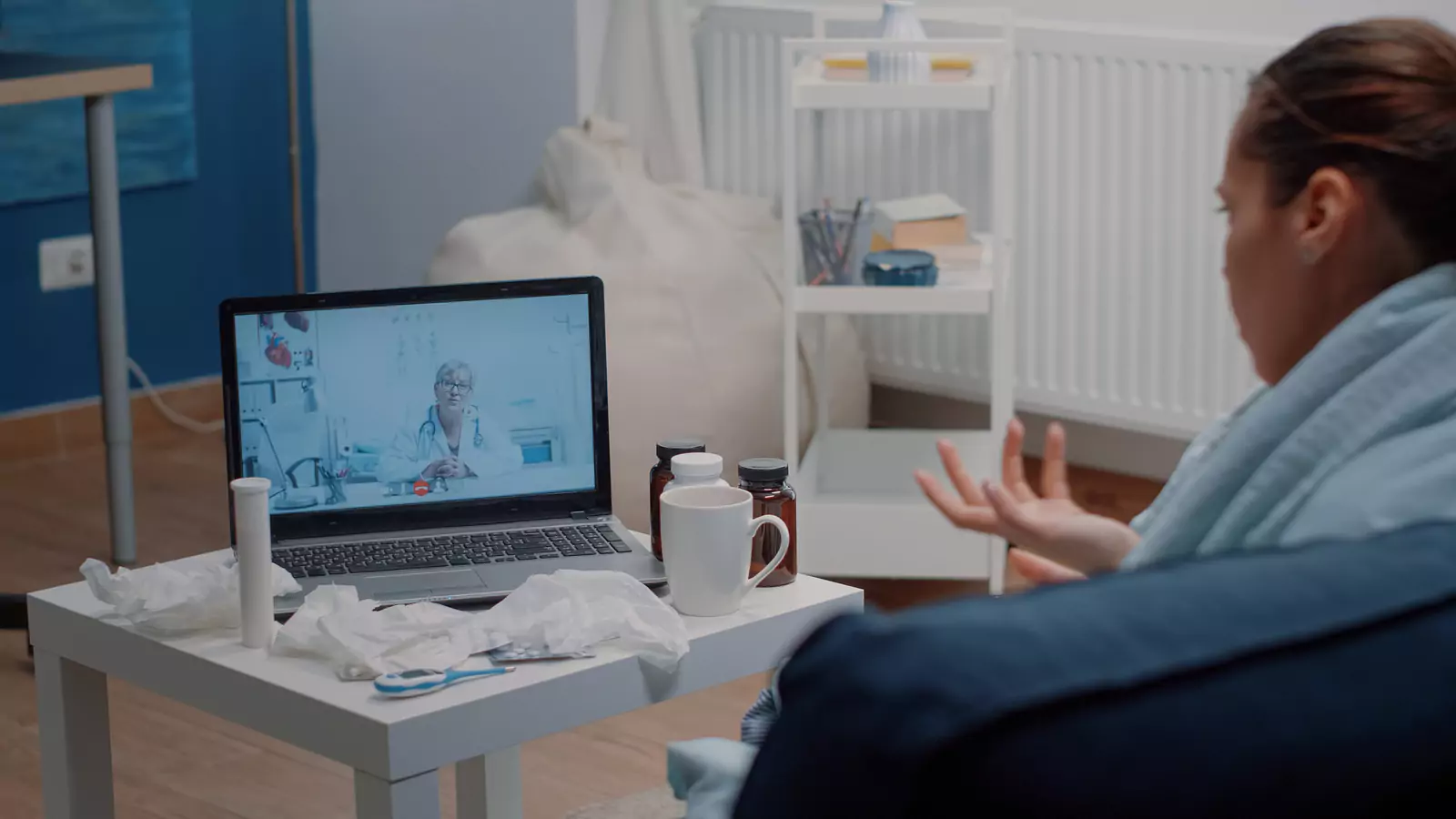







Use Sana Benefits for Texas Virtual Care
Match your health question to a safe video visit.
Begin With the Medical Question, Not Convenience
A virtual appointment can remove travel time and allow a patient to speak with a provider through a phone, tablet, or computer. Convenience alone does not determine whether telehealth is clinically appropriate.
The better starting question is: What does the provider need to hear, see, measure, examine, or test to address this concern safely?
VirtualCare2go accepts Sana Benefits and provides virtual healthcare for many appropriate non-emergency concerns throughout Texas. Same-day appointments may be available depending on the current schedule.
Sana plan designs, network arrangements, eligibility rules, covered services, copays, deductibles, and patient costs can vary. Acceptance of Sana Benefits does not guarantee coverage for every visit, service, prescription, test, or follow-up.
A useful video visit may produce an assessment, education, monitoring instructions, a treatment plan when appropriate, or direction to in-person care. Its value is not limited to receiving a prescription.
Prepare What the Provider Needs to Hear
Many clinical decisions begin with a clear history.
Prepare:
- Symptom onset
- Sudden or gradual beginning
- Pattern
- Severity
- Important changes
- Factors making symptoms better or worse
- Treatments already tried
- Similar previous episodes
- Current medicines
- Allergies
- Relevant medical conditions
- Recent hospital or specialist care
Describe what is happening without deciding the diagnosis in advance.
“I have had congestion, facial pressure, and a cough for four days” provides more neutral information than “I have a sinus infection.”
Mention pregnancy, recent procedures, immune-system conditions, significant chronic disease, medication allergies, and hospital care when relevant.
Improve What the Camera Can Show
Video can add useful visual information for selected concerns, but lighting, focus, device quality, and camera stability affect what the provider sees.
For a visible concern:
- Use bright, indirect light
- Clean the camera lens
- Stabilize the device
- Remove filters
- Show the wider area first
- Move closer only when requested
- Compare both sides when relevant
- Keep prior photos available
- Wear clothing that permits appropriate viewing
- Leave room to move safely
Do not squeeze, cut, drain, or manipulate an area for the camera.
Video cannot reproduce touch, depth, temperature, smell, an internal ear examination, a detailed throat examination, or many other parts of in-person care. Color can also appear inaccurate on a screen.
A recommendation for an in-person examination may be the safest answer.
Add Home Measurements Carefully
Depending on the concern, a provider may ask about:
- Temperature
- Pulse
- Weight
- Blood pressure
- Blood sugar
- Oxygen saturation
For each reading, provide:
- Device
- Date
- Time
- Method
- Whether you were resting
- Whether it was repeated
- Usual range, if known
- Symptoms at the time
Do not buy equipment solely because you assume it is required. Ask what is relevant.
Do not use a consumer device reading to rule out a serious condition or change medicine without professional guidance. If no device is available, say so. The appointment may still be useful, or the provider may recommend another setting.
Recognize the Limits of a Video Examination
Some questions depend on hands-on examination, specimen collection, imaging, or procedures.
The provider may need to:
- Listen to the heart or lungs
- Feel the abdomen
- Examine the ear
- Check joint stability
- Assess circulation
- Perform detailed neurologic testing
- Collect a specimen
- Order imaging
- Evaluate a wound
- Examine rapidly worsening symptoms
A virtual visit can help identify those needs, but it cannot perform every service.
Call 911 for severe chest pain, significant breathing difficulty, stroke signs, loss of consciousness, uncontrolled bleeding, severe allergic symptoms, or another potentially life-threatening emergency.
VirtualCare2go is not an emergency response service.
Verify Sana Benefits at the Service Level
Use the member’s current plan information and ask:
- Is VirtualCare2go or its billing provider in network?
- Is the intended telehealth service covered?
- Does the plan require video?
- Is eligibility active?
- Is a referral or authorization required?
- What copay, deductible, or coinsurance may apply?
- Are laboratory tests billed separately?
- Are prescriptions covered under a separate pharmacy benefit?
- How is in-person follow-up handled?
- What happens if the provider redirects the visit?
Two Sana members may not have identical benefits. Plan rules can vary by employer, product, network, service, and benefit year.
Record the verification date and reference number. Never delay emergency care while checking benefits.
Review the VirtualCare2go Sana Benefits page for brand-specific information.
Set Up Four Visit Zones
Federal telehealth guidance recommends a quiet location, tested technology, good lighting, stable camera, and relevant health information.
Organize the appointment around four zones:
Voice
Choose a quiet place with a working microphone. Use headphones when privacy is limited.
Visual
Face the light, clean the lens, and place the device at eye level.
Measurement
Keep relevant readings or devices nearby, but only use them as instructed.
Next step
Have pharmacy details, transportation, and a possible in-person care route ready.
Connect early. Close unnecessary applications. Keep a charger nearby. Do not attend while driving.
Be prepared to confirm identity and physical location in Texas.
Bring One Main Question
Online appointments benefit from a clear agenda.
Examples include:
- “Does this symptom require an in-person examination?”
- “What should I monitor during the next 24 hours?”
- “Could my medicine be contributing?”
- “Do I need testing?”
- “When should I follow up?”
- “Which change requires urgent or emergency care?”
Begin with the newest, most severe, or most important concern. Multiple unrelated problems may require separate appointments or ongoing primary care.
The provider can help prioritize the next steps.
Leave With Three Routes
Before disconnecting, confirm:
Continue at home
What should you do, monitor, and avoid?
Move to in-person care
Where should you go, and how soon?
Seek emergency care
Which warning signs require 911 or the nearest emergency department?
Also confirm medication instructions, pending tests, result communication, and follow-up timing.
Frequently Asked Questions
Does VirtualCare2go accept Sana Benefits?
Yes. VirtualCare2go currently states that it accepts Sana Benefits. Individual eligibility, network participation, benefits, and costs vary.
Can I use Sana Benefits for an online doctor visit?
Eligible members may be able to use Sana Benefits for appropriate VirtualCare2go services while physically located in Texas.
Are same-day appointments available?
Same-day virtual appointments may be available depending on the current schedule. Timing is not guaranteed.
Can a provider prescribe medicine online?
A provider may prescribe when medically appropriate, but prescriptions are never guaranteed. Some medicines, symptoms, or monitoring requirements need in-person care.
Can telehealth replace emergency care?
No. Potentially life-threatening symptoms require 911 or emergency-department evaluation.
Call to Action
Review the VirtualCare2go Sana Benefits page, define the health question you need answered, verify your exact plan, and check current Texas appointment availability.
Medical Disclaimer: This article is educational and is not a diagnosis, individualized medical advice, an insurance determination, or a substitute for professional care. Coverage, costs, prescribing, services, and appointment availability depend on plan terms, eligibility, patient location, scheduling, and provider assessment. Call 911 or go to the nearest emergency department for an emergency.