
 ES








Prepare for a Texas Medicaid Video Visit
Set up the room, records, measurements, and benefit questions before connecting.
Make the Screen Carry Better Information
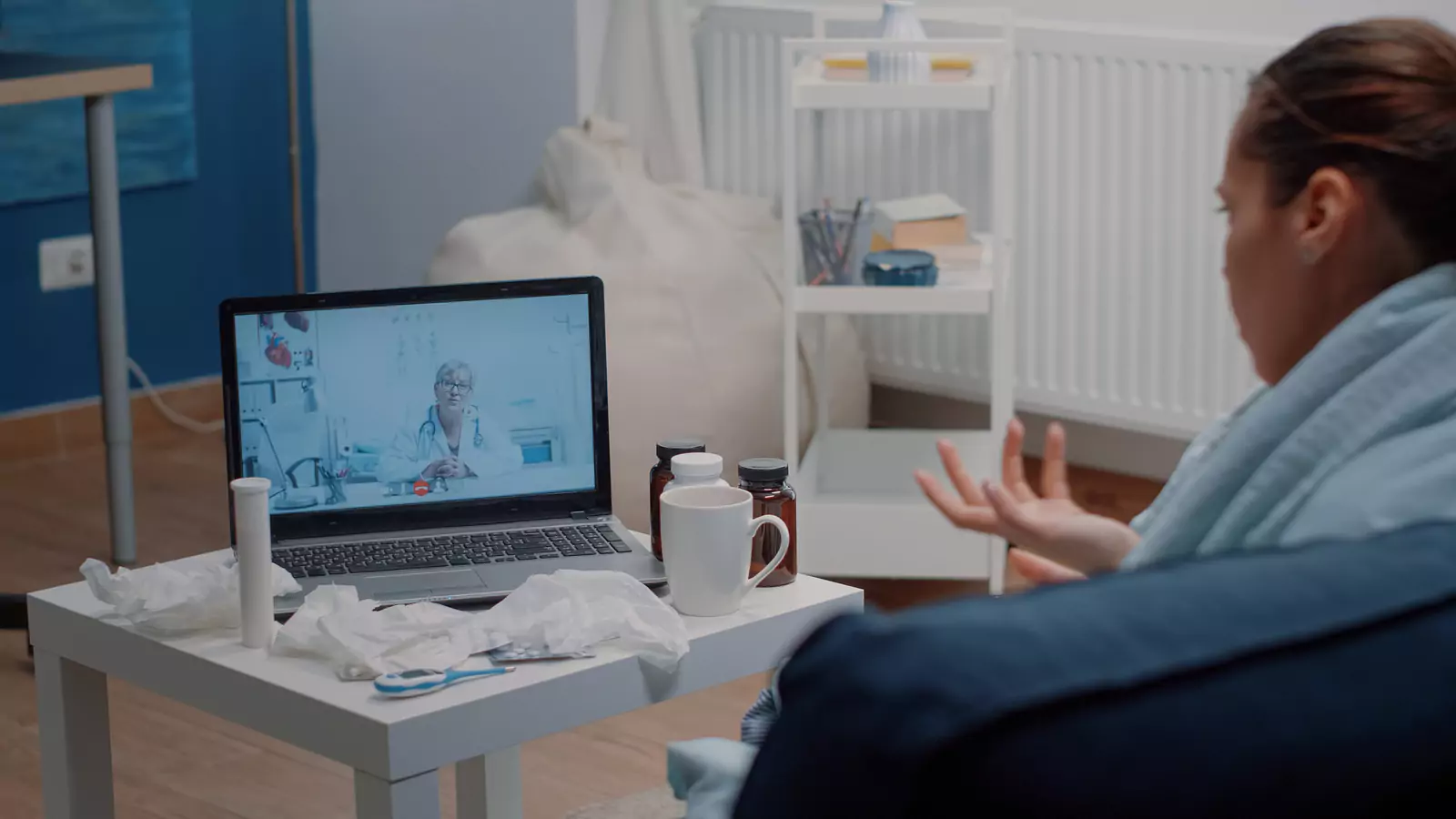
A video visit cannot reproduce every physical examination, test, image, or procedure. Preparation can still help the clinician use what the screen provides: the patient’s history, appearance, voice, movement, visible symptoms, home measurements, and medication information.
Texas Medicaid members also need a separate benefit check. Covered services, participating providers, authorization requirements, and patient responsibilities may depend on the member’s current program and managed-care plan.
VirtualCare2go states that it accepts Medicare and Texas Medicaid through its billing company and provides statewide telehealth access. General acceptance is a useful starting point, but it is not a guarantee that every member, appointment, service, prescription, test, or follow-up will be covered.
Confirm the Exact Medicaid Plan
“Texas Medicaid” is not the complete benefit description. Identify:
- The member’s managed-care organization
- Member identification number
- Current eligibility
- Assigned primary-care provider when applicable
- Member-services phone number
- Pharmacy benefit information
- Whether the patient also has another form of coverage
Contact the plan or use its current member tools to ask:
- Is VirtualCare2go participating for this member?
- Is the requested service covered by video?
- Is a referral or prior authorization required?
- Does the plan require a particular provider route or platform?
- Does any patient responsibility apply?
- How are prescriptions and pharmacy benefits handled?
- Which laboratories or facilities should be used if testing is needed?
- Should the member’s primary-care provider be notified?
Save the date, representative’s name, and reference number. A benefit explanation is not a guarantee of payment, but keeping a clear record makes later questions easier to address.
State the Patient’s Physical Location
At the beginning of a telehealth appointment, provide the patient’s current physical location and a callback number.
VirtualCare2go states that its telehealth services are available throughout Texas. If the patient is outside Texas, do not assume the same service is available. Contact VirtualCare2go before booking.
Give the complete address, including apartment, hotel, dormitory, workplace, or other location details. This information matters if the clinician needs to direct urgent in-person care or emergency services.
Do not connect while driving or riding a bicycle. If the patient is in a parked vehicle because privacy is unavailable elsewhere, park safely, turn off the vehicle, and confirm that the setting is clinically appropriate.
Build a One-Minute Health Summary
Prepare a short summary containing:
- Main symptom or concern
- When it began
- Whether it is improving or worsening
- Related symptoms
- Relevant home measurements
- Current medicines
- Allergies and prior reactions
- Major medical conditions
- Recent procedures or hospital care
- Preferred pharmacy
- One main question for the clinician
Avoid beginning with a self-diagnosis. “Cough for four days with fever beginning yesterday” gives the clinician more useful information than “I need antibiotics.”
For a child, confirm the parent or guardian, current weight if known, medication doses, and consent requirements. For an older adult or someone with communication needs, identify the support person and clarify what the patient wants that person to do.
Prepare the Medicine List
Include prescription medicines, over-the-counter products, supplements, inhalers, creams, and medicines used only occasionally.
For each medicine, note:
- Name
- Dose
- Frequency
- Purpose
- Prescriber
- Last dose
- Recent changes
- Side effects or concerns
Do not rely on color or shape as the only identifier. Use the original container when available.
A video visit does not guarantee a refill or new prescription. Prescribing depends on the patient’s condition, records, examination limits, applicable rules, and clinician judgment.
Test the Technology Once
Use:
- A charged phone, tablet, or computer
- Stable internet
- Working camera and microphone
- Front-facing light
- A private room
- A stable surface
- A phone number for backup contact
Place the camera at eye level. Close unnecessary applications and silence notifications.
Open the visit link in advance when possible. Confirm that the device allows camera and microphone access.
If audio or video fails, ask how the appointment will continue. Do not assume an ordinary phone call is covered or clinically sufficient. Some concerns require clear video or in-person examination.
Create a Private Clinical Space
A bedroom, quiet office, or private living area may work. Avoid public transportation, restaurants, shared waiting rooms, and workplaces where others can hear the conversation.
Use headphones when practical. Tell family members or coworkers that privacy is needed. Close the door and remove documents, photographs, or employer information from the camera’s background.
The patient should decide who remains in the room. A support person can help with communication or measurements, but should not answer every question unless the patient wants that assistance.
Prepare Measurements Without Creating False Precision
If relevant and available, gather:
- Temperature
- Blood pressure
- Pulse
- Oxygen saturation
- Weight
- Blood glucose
- Symptom diary
Record the time and device. Use familiar equipment and normal technique.
Do not buy equipment solely for one virtual visit unless a clinician recommends it. Home devices may be affected by positioning, motion, cold hands, device fit, battery level, or technique.
A home measurement is one piece of information, not a diagnosis. The clinician may recommend confirmation in person.
Show Visual Concerns Safely
Use bright, even light and a neutral background. For a rash, swelling, or other visible concern, begin with a wider view before moving closer.
If possible, take a clear photograph beforehand to show how the concern has changed. Use only the service’s approved method for sharing images. Avoid ordinary text messages or email for sensitive photographs unless specifically directed.
Do not manipulate a wound, remove a dressing, or perform a painful movement for the camera unless the clinician instructs you and it is safe.
Video can help with observation, but it cannot replace touch, imaging, specimen collection, or every examination technique.
Know the Limits of the Visit
The clinician may recommend:
- In-person examination
- Laboratory testing
- Imaging
- A procedure
- Specialist care
- Urgent care
- Emergency evaluation
That recommendation is a valid outcome, not a failed video visit.
Call 911 for severe trouble breathing, chest pressure, stroke symptoms, uncontrolled bleeding, a seizure, loss of consciousness, severe allergic symptoms, or another potentially life-threatening problem. Do not wait in a virtual queue.
Plan the Pharmacy and Follow-Up
Confirm the pharmacy’s name, address, and hours before the visit. A prescription is not guaranteed, and Medicaid pharmacy benefits may have formulary, quantity, or authorization requirements.
Before disconnecting, ask:
- What is the working assessment?
- What should the patient do today?
- What warning signs matter?
- When should improvement occur?
- What requires in-person care?
- Who owns any pending test or referral?
- When should follow-up occur?
- Where will the visit summary appear?
Share the summary with the member’s regular primary-care team when appropriate. Virtual urgent care should support continuity rather than create a disconnected medication or follow-up plan.
Connect With the Preparation Card Ready
Review the Texas Medicaid page, How It Works, and VirtualCare2go FAQ.
Verify plan participation and benefits, then connect from a private, stationary location in Texas with the medication list, symptom timeline, readings, pharmacy information, and backup care route ready.
Disclaimer: This article is educational and is not a diagnosis, insurance-coverage guarantee, or substitute for professional medical care. Telehealth suitability depends on the patient’s symptoms, physical location, technology, medical requirements, and provider assessment. Call 911 or go to the nearest emergency department for severe or life-threatening symptoms.