
 ES
ES

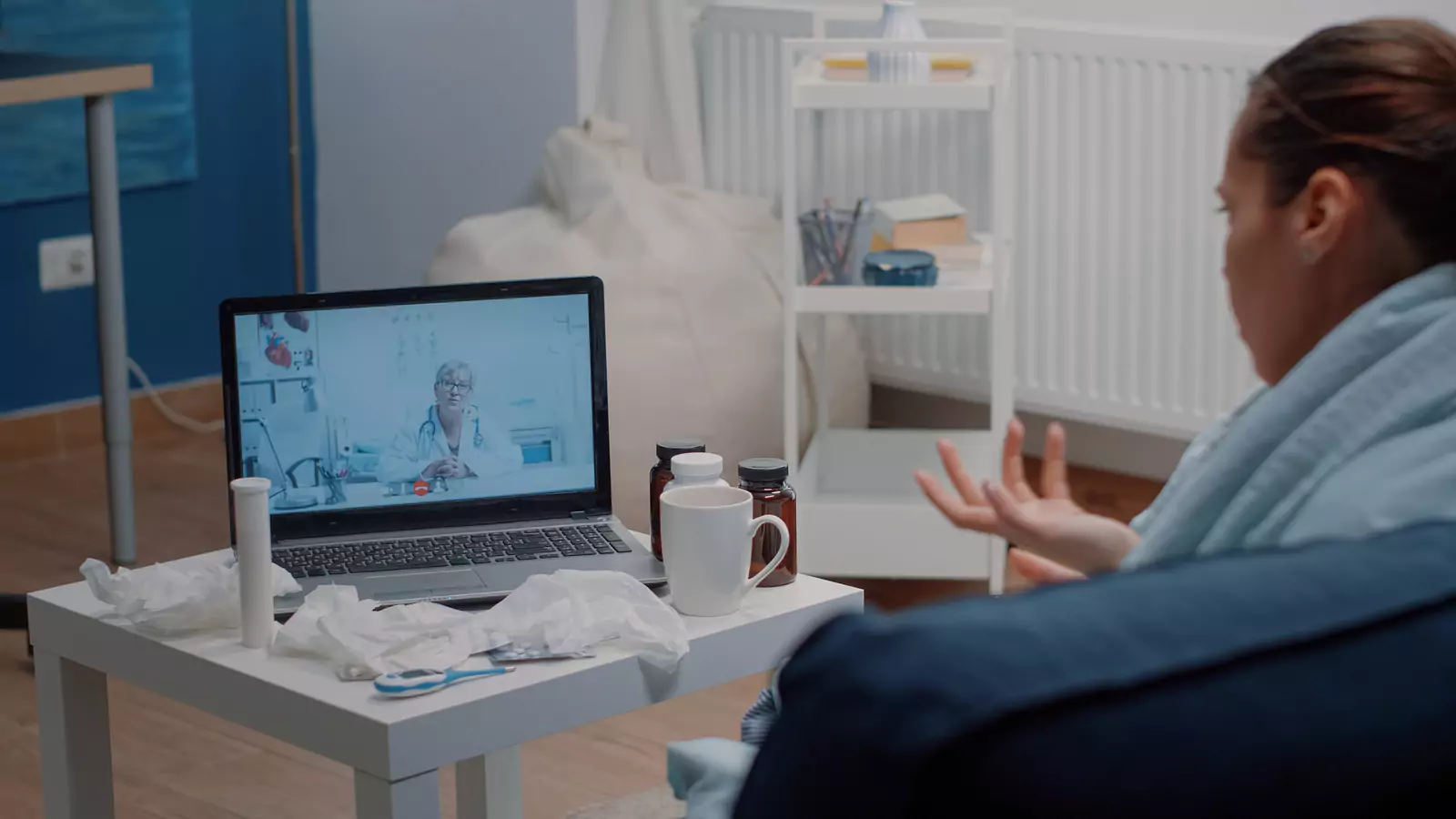







How Does Curative Telehealth Care Work?
What Patients Should Know Before Scheduling
How Does Curative Telehealth Care Work?
If you've never had a virtual doctor appointment before, you may wonder what actually happens once you schedule.
Do you need special equipment? What should you have ready? Can a provider prescribe medication? What happens if you need a test or physical examination?
Fortunately, telehealth is designed to make appropriate healthcare more accessible—not more complicated.
VirtualCare2Go accepts Curative Insurance and provides virtual healthcare throughout Texas for many non-emergency concerns. Patients can connect with a healthcare provider from home, work, or another appropriate private location without automatically beginning with a trip to a clinic.
If you're ready to schedule, check VirtualCare2Go's current appointment availability.
Here's what you can expect from beginning to end.
Step 1: Decide Whether Telehealth Fits Your Concern
The first step is determining whether your healthcare concern may be appropriate for a virtual appointment.
VirtualCare2Go evaluates many non-life-threatening illnesses and symptoms through telehealth, including:
- Cold and flu symptoms
- Cough and congestion
- Allergies
- Fever
- Sore throats
- Sinus problems
- Headaches
- Ear problems
- Pink eye
- Rashes and appropriate skin concerns
- Nausea and vomiting
- Diarrhea and constipation
- GERD
- Urinary problems and UTI symptoms
- Appropriate non-narcotic medication refill requests
- Other appropriate non-emergency concerns
You don't need to diagnose yourself before scheduling.
If you aren't sure whether your symptoms can be handled virtually, a provider can evaluate the situation and determine whether telehealth is appropriate or an in-person examination is needed.
Step 2: Schedule Your Virtual Appointment
Once you've decided to seek virtual care, scheduling is completed online.
VirtualCare2Go offers same-day appointments based on current availability, which can be helpful when a healthcare concern develops unexpectedly.
You can view available appointment times and schedule online.
When scheduling, make sure your information is accurate so the care team has what it needs for your visit.
Keep your Curative Insurance information nearby as well.
Step 3: Get Ready Before Your Visit
You don't need a doctor's office worth of equipment at home to complete a telehealth appointment.
A phone, tablet, or computer with a reliable internet connection is typically enough.
Before the visit, try to have:
- Photo identification
- Your Curative Insurance information
- A list of current medications and doses
- Medication allergies
- Relevant medical history
- The approximate date your symptoms began
- A recent temperature if appropriate
- Photos of visible symptoms when helpful
- Information about treatments you've already tried
- Questions you'd like to discuss
Choose a reasonably quiet, private space where you can safely focus on the conversation.
Patients should be physically located in Texas during their VirtualCare2Go appointment.
Step 4: Connect With Your Healthcare Provider
Once the appointment begins, the provider will ask questions much like they would during an office visit.
They may want to know:
- What symptoms you're experiencing
- When the symptoms started
- Whether they're getting better or worse
- How severe they are
- What other symptoms you're experiencing
- Whether you've recently been sick or exposed to illness
- What medications you're taking
- Whether you have medication allergies
- What you've already tried at home
Try to answer as accurately as possible.
Details that seem small—such as whether a cough is worse at night or whether nausea started after a medication change—can provide useful information.
Step 5: Show Visible Symptoms When Needed
Video can be particularly useful when symptoms are visible.
For example, if you're scheduling because of a rash, redness, insect bite, or another skin concern, your provider may ask to see the affected area.
Taking photographs before the appointment can help.
For clearer images:
- Use good lighting
- Avoid filters
- Take a close-up
- Take another photo showing where the symptom is located
- Photograph changes if the appearance evolves
- Keep track of when each picture was taken
Some conditions can't be adequately evaluated through a photograph or video. If that's the case, your provider may recommend an in-person examination.
Step 6: Discuss the Most Likely Next Step
A virtual appointment isn't just about naming a condition.
The provider's job is to determine what should happen next based on your symptoms, medical history, and the information available during the visit.
Depending on the situation, your next step may include:
- Supportive care recommendations
- Medication when medically appropriate
- Additional monitoring
- Diagnostic testing
- Follow-up care
- An in-person examination
- Referral to another appropriate healthcare setting
Not every patient will need the same thing, even when their symptoms sound similar.
That's why the medical evaluation comes before the treatment plan.
Can Curative Telehealth Be Used for Cold and Flu Symptoms?
Yes. Many common respiratory concerns can begin with a virtual evaluation.
If you're experiencing cold or flu-like symptoms, your provider may ask whether you have:
- Fever
- Cough
- Congestion
- Runny nose
- Sore throat
- Headache
- Fatigue
- Body aches
- Chills
- Sneezing
- Wheezing or other respiratory symptoms
Cold, flu, COVID, allergies, sinus problems, and other respiratory illnesses can share symptoms.
Testing may sometimes be necessary when symptoms alone can't determine the cause.
What If I Think I Have a UTI?
VirtualCare2Go evaluates urinary problems and UTI symptoms through telehealth.
During your appointment, your provider may ask whether you're experiencing:
- Burning during urination
- Frequent urination
- Urgency
- Lower abdominal discomfort
- Blood in the urine
- Fever or chills
- Back or side pain
- Nausea or vomiting
These details help determine whether the symptoms may be consistent with a lower urinary concern or whether additional evaluation is necessary.
Urine testing or an in-person examination may sometimes be recommended.
Can Curative Telehealth Help With a Rash?
Many appropriate skin concerns can begin with virtual care.
VirtualCare2Go evaluates rashes, redness, eczema, insect bites, certain skin infections, and other appropriate skin symptoms.
Your provider may ask:
- When the skin problem started
- Whether it itches or hurts
- Whether it's spreading
- Whether the area feels warm
- Whether there's swelling
- Whether there's drainage
- Whether you've used any new products
- Whether you've started a new medication
- Whether you have a fever
Clear photographs can be especially useful.
However, rapidly worsening skin symptoms, severe pain, significant swelling, fever, or other concerning changes may require in-person care.
What About Nausea, Vomiting, or Diarrhea?
Digestive concerns are another common reason patients seek virtual care.
VirtualCare2Go evaluates:
- Nausea
- Vomiting
- Diarrhea
- Constipation
- GERD
- Other appropriate gastrointestinal concerns
Your provider may ask whether you're able to drink fluids, how frequently you're vomiting or having diarrhea, whether you have a fever, and whether you're experiencing abdominal discomfort.
One important concern is dehydration.
Repeated vomiting or diarrhea can make it difficult to replace lost fluids. If you cannot keep fluids down or develop significant weakness, dizziness, reduced urination, or other concerning symptoms, additional medical evaluation may be necessary.
Can a Virtual Doctor Prescribe Medication?
Medication may be prescribed after a telehealth evaluation when the provider determines it is medically appropriate.
But a virtual appointment does not guarantee a prescription.
Before recommending medication, your provider may consider:
- Your symptoms
- Medical history
- Medication allergies
- Current medications
- Potential drug interactions
- Whether testing is needed
- Whether the suspected condition can be safely treated virtually
VirtualCare2Go also evaluates appropriate non-narcotic medication refill requests.
Controlled or narcotic medication refills are not provided.
Some medications also require laboratory monitoring or an in-person examination before they can be appropriately prescribed or continued.
What If I Need an Antibiotic?
Antibiotics are appropriate for certain bacterial infections, but they don't treat viral illnesses.
Symptoms such as a sore throat, sinus pressure, cough, or ear discomfort don't automatically mean an antibiotic is necessary.
Your provider will evaluate the complete clinical picture before deciding whether medication may be appropriate.
In some cases, testing may be recommended first.
A telehealth appointment does not guarantee an antibiotic or any other specific treatment.
Step 7: Complete Testing if It's Needed
One thing telehealth can't do is perform a laboratory test through your screen.
Depending on your symptoms, your provider may recommend:
- Strep testing
- Flu or COVID testing
- Urine testing
- Blood work
- Imaging
- A physical examination
- Other appropriate diagnostic testing
Telehealth can still be valuable in these situations.
Instead of trying to determine for yourself which test you need, the virtual evaluation can help identify the appropriate next step.
Step 8: Follow Your Provider's Care Instructions
Your appointment doesn't necessarily end when the video call does.
Depending on the situation, your provider may recommend that you:
- Follow specific home-care instructions
- Begin an appropriate medication
- Complete testing
- Monitor certain symptoms
- Schedule follow-up care
- Seek an in-person examination
- Seek more urgent care if symptoms worsen
Pay attention to any instructions about what symptoms should prompt another evaluation.
If your condition changes significantly after the appointment, the original care plan may need to change too.
Are Same-Day Curative Appointments Available?
VirtualCare2Go offers same-day virtual appointments based on current availability.
That can make telehealth especially useful when you wake up sick, develop symptoms during the workday, or realize an ongoing problem needs attention.
Rather than automatically searching for a nearby waiting room, you can check VirtualCare2Go's current online appointment availability.
Specific appointment times aren't guaranteed until scheduling is completed.
Can I Use Telehealth From Anywhere in Texas?
VirtualCare2Go provides virtual healthcare throughout Texas, including rural and underserved communities.
For many patients, that means access doesn't depend on living close to a physical clinic.
A virtual appointment may reduce challenges involving:
- Long travel distances
- Transportation
- Time away from work
- Childcare
- Limited nearby appointment availability
- Traveling while feeling sick
Patients should be physically located in Texas during the appointment and should choose an appropriate private setting with a reliable internet connection.
How Does Curative Insurance Work With VirtualCare2Go?
VirtualCare2Go accepts Curative Insurance.
However, insurance acceptance doesn't guarantee that every appointment or service is covered in full.
Coverage may depend on factors such as:
- Patient eligibility
- Individual plan benefits
- Network participation
- Medical necessity
- Payer requirements
- The specific healthcare service provided
Copays, deductibles, non-covered services, or other patient responsibility may apply depending on the individual plan.
Patients can review VirtualCare2Go's Curative Insurance information and verify their specific benefits when needed.
Because Curative plan details can vary, patients shouldn't assume that another member's coverage or cost will necessarily be the same as their own.
What Happens If Telehealth Isn't Enough?
Sometimes the most appropriate outcome of a virtual appointment is a recommendation for in-person care.
That may happen when you need:
- A hands-on physical examination
- Laboratory testing
- Urine testing
- Imaging
- Specialized diagnostic equipment
- A medical procedure
- Treatment that must be administered in person
- Direct examination of something that can't be adequately assessed virtually
This isn't a failure of telehealth.
Knowing that you need a particular type of examination or testing is useful medical information—and it can help you move to the appropriate level of care.
When Should I Skip Telehealth Completely?
VirtualCare2Go is intended for appropriate non-emergency healthcare concerns.
Telehealth should never delay emergency medical treatment.
Call 911 or seek emergency care for potentially life-threatening symptoms such as:
- Severe difficulty breathing
- Severe chest pain or pressure
- Signs of a stroke
- Loss of consciousness
- Seizure
- Severe allergic reaction
- Uncontrolled bleeding
- Sudden severe neurological symptoms
- Other severe or rapidly worsening symptoms that may represent an emergency
If symptoms appear life-threatening, emergency care is the appropriate first step.
Frequently Asked Questions About Curative Telehealth
Does VirtualCare2Go accept Curative Insurance?
Yes. VirtualCare2Go accepts Curative Insurance for eligible healthcare services. Individual coverage, benefits, eligibility, and patient responsibility may vary.
How do I schedule a Curative telehealth appointment?
Patients can view current VirtualCare2Go appointment availability and schedule an appropriate virtual visit online.
Can I get a same-day virtual doctor appointment?
VirtualCare2Go offers same-day appointments based on current availability.
What can I see a Curative virtual doctor for?
VirtualCare2Go evaluates many appropriate non-emergency concerns, including cold and flu symptoms, allergies, sore throats, UTIs, rashes, nausea, vomiting, diarrhea, pink eye, ear problems, and more.
Can a virtual doctor prescribe medication?
Medication may be prescribed when medically appropriate after an evaluation. A prescription is not guaranteed.
Can I get an antibiotic through telehealth?
Antibiotics may be prescribed when medically appropriate, but they aren't appropriate for every illness. Testing or an in-person examination may sometimes be necessary.
What happens if I need testing?
Your provider can recommend appropriate testing or in-person evaluation when the information needed can't be obtained virtually.
Can I use VirtualCare2Go in rural Texas?
Yes. VirtualCare2Go provides telehealth throughout Texas, including rural communities.
Does Curative cover every virtual appointment?
Not necessarily. Coverage depends on individual eligibility, plan benefits, network participation, medical necessity, payer requirements, and the specific services provided.
Virtual Care From Start to Finish
Telehealth can feel unfamiliar the first time, but the process is fairly straightforward.
You schedule your appointment, prepare your basic medical information, connect with a provider, discuss your symptoms, and receive guidance about what should happen next.
Sometimes that next step can happen entirely through virtual care. Other times you may need medication, testing, follow-up, or an in-person examination.
The important part is that you don't have to figure everything out before asking for help.
For Curative Insurance members throughout Texas, VirtualCare2Go provides a convenient way to begin addressing many everyday non-emergency healthcare concerns—without automatically beginning in a waiting room.
Book your VirtualCare2Go appointment, learn more about Curative Insurance and VirtualCare2Go, or explore VirtualCare2Go's statewide telehealth services.