
 ES








Curative Telehealth: Separate Clinical and Coverage Decisions
Run two careful tracks that meet at one informed next step.
Two Questions Deserve Two Different Clocks
When you feel unwell, “Can insurance cover this?” and “Where should I get care?” may arrive at the same time. They are both reasonable questions, but they should not be allowed to answer each other. A favorable benefit answer does not prove that video is clinically appropriate. An unresolved insurance question should not keep someone with dangerous symptoms from emergency care.
For Curative members considering VirtualCare2go, use two tracks. The clinical track asks about urgency, examination needs, and follow-up. The coverage track asks about eligibility, network, service rules, authorization, and member cost. The tracks meet when you choose the safest practical next step with a clearer understanding of financial uncertainty.
Clinical Track: Start With Severity, Not Convenience
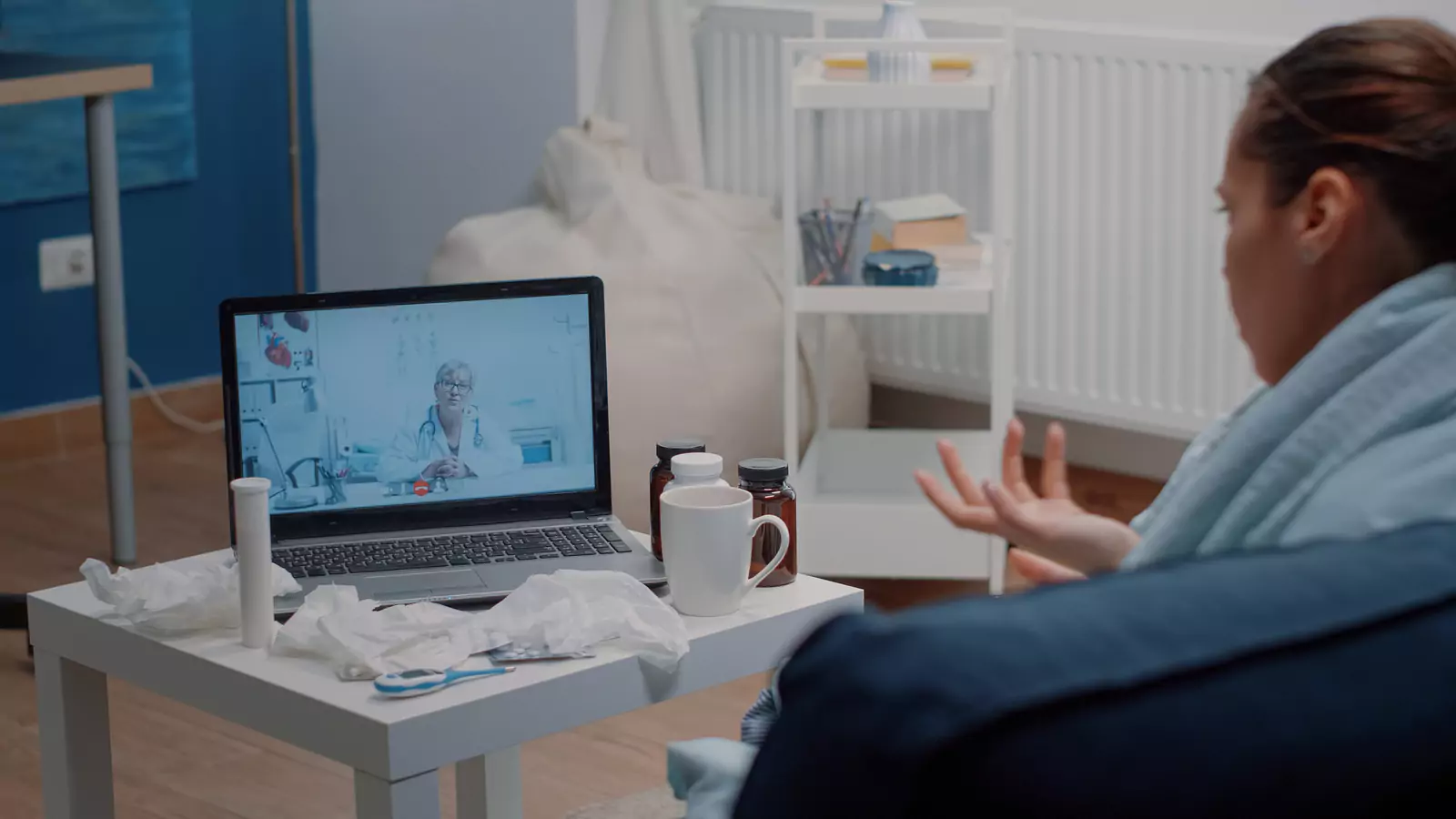
VirtualCare2go describes online urgent care for many non-life-threatening illnesses. Video can be a useful first doorway for selected concerns because a clinician can hear the history, observe the patient, review visible findings, and make a care plan. Yet some symptoms require hands-on examination, testing, imaging, a procedure, or immediate treatment.
Before scheduling, ask:
- Is the patient stable enough to wait for the appointment?
- Is there severe breathing trouble, chest pain, confusion, fainting, major bleeding, stroke signs, or another emergency warning sign?
- Could the key question require a physical examination or test that cannot happen by video?
- Is the patient very young, pregnant, immunocompromised, medically complex, or rapidly worsening?
- Is there a nearby in-person route if the clinician redirects care?
Call 911 or use the nearest emergency department for an emergency. Do not use a benefits call as triage. For concerning but non-emergency symptoms, contact an appropriate clinical service promptly.
If video seems reasonable, make the problem observable. Create a short timeline with onset, change, attempted treatment, and relevant exposures. Prepare the actual medicine containers or an accurate list. Gather reliable readings such as temperature only when available. For a visible concern, use good light and a neutral background; do not manipulate a wound or painful area just to improve the camera view.
Coverage Track: Verify the Exact Curative Pathway
Start on VirtualCare2go’s Curative page, then confirm the appointment through Curative’s current member channels. Plans, employer arrangements, provider networks, and telehealth pathways can change. Ask about the exact service and proposed date rather than “telehealth” as a broad category.
Useful questions include:
- Is my eligibility active on the intended date?
- Is VirtualCare2go, the scheduled clinician, or the billing entity in network for my plan?
- Is this online urgent care service covered when delivered by video?
- Must I use a Curative-designated virtual pathway first?
- Is a referral or prior authorization required?
- What deductible, copay, coinsurance, or other member responsibility may apply?
- Could testing, prescriptions, or an in-person follow-up be billed separately?
Ask what identifier was used to check the network. Record the date, representative, answer, and reference number. Treat a quoted amount as an estimate, not a guarantee. The claim depends on current eligibility, plan rules, actual services, coding, and processing.
Let the Tracks Run in Parallel
You do not have to finish every administrative question before preparing clinically. While waiting for a benefits response, charge the device, choose a private room, organize the health story, and locate an in-person backup. If symptoms worsen, leave the administrative track and act on the clinical need.
Likewise, do not let a booked appointment create false reassurance. Reassess symptoms immediately before the visit. A person who was stable when scheduling can become too ill for video later.
The two-track approach also prevents a common mistake: trying to make the clinician guarantee coverage. Clinicians can explain the medical plan and document the service. The plan applies benefits. Billing staff can explain charges and claim information. Ask each party the question it can reliably answer.
When another person is helping, assign them to only one track at a time. A caregiver might listen for clinical instructions while the patient asks questions, then later help call member services. Mixing a benefit call into the medical conversation can lead to missed safety instructions. With the patient’s permission, the helper can take notes, but should record uncertainties as uncertainties rather than filling gaps from memory.
For minors or adults who need decision support, confirm the scheduling and consent requirements before the visit.
Technology has its own failure mode. HHS telehealth guidance recommends a charged device, tested sound and camera, a steady image, and a private location. Write down the office callback number before connecting. If the screen freezes while the clinician is giving an urgent instruction, call back instead of guessing what was said.
Use the Appointment to Produce a Decision
Open with a one-minute summary: “My main concern is ___. It began ___. Since then it has ___. I have tried ___. My important conditions and medicines are ___. I need help deciding ___.” This gives the encounter direction without demanding a predetermined treatment.
The clinician may recommend home care, a prescription when clinically appropriate, testing, primary care follow-up, in-person urgent care, or emergency evaluation. Prescription decisions depend on the assessment, state and federal requirements, and professional judgment. No medication or specific outcome is guaranteed.
Before disconnecting, ask for a decision with time attached:
- What should I do now?
- What finding cannot be assessed remotely?
- If I am not improving, when should I be reassessed?
- Which symptom means I should stop waiting?
- Where should I go for testing or hands-on care?
- How will I receive a summary or results?
Repeat the answer back. A plan becomes safer when patient and clinician mean the same thing by “soon,” “worse,” and “follow up.”
Rejoin the Tracks After the Visit
Clinical follow-through may include taking medication as directed, arranging testing, scheduling primary care, or monitoring symptoms. Financial follow-through may include checking the claim or explanation of benefits and resolving a network question. Put both on one task list, but label the owner and deadline separately.
For example:
- Patient today: begin the recommended self-care and schedule a test.
- Clinical team: send the visit summary or communicate a result.
- Curative member services: clarify how the virtual service was processed.
- VirtualCare2go billing: provide service details needed for a claim question.
- Patient if worsening: move to the designated in-person or emergency route.
If the benefit result differs from the earlier estimate, compare the explanation of benefits with your dated verification notes. Ask whether the issue involves eligibility, network, authorization, coding, or another plan rule. Do not place sensitive insurance or health details in an unsecured message.
Choose the Next Step With Both Kinds of Information
Review the official Curative page, the online urgent care service, and the VirtualCare2go FAQ. Confirm current scheduling and service availability.
VirtualCare2go publishes 817-508-8169, or email us at info@VirtualCare2Go.com. Verify Curative eligibility, network, covered services, authorization, and costs directly because they depend on the member’s plan terms and circumstances.
Medical disclaimer: This article provides general education, not a diagnosis, individualized medical advice, or a substitute for professional care. Virtual-care suitability and availability depend on location, scheduling, clinical needs, and provider assessment. For an emergency, call 911 or go to the nearest emergency department.