
 ES

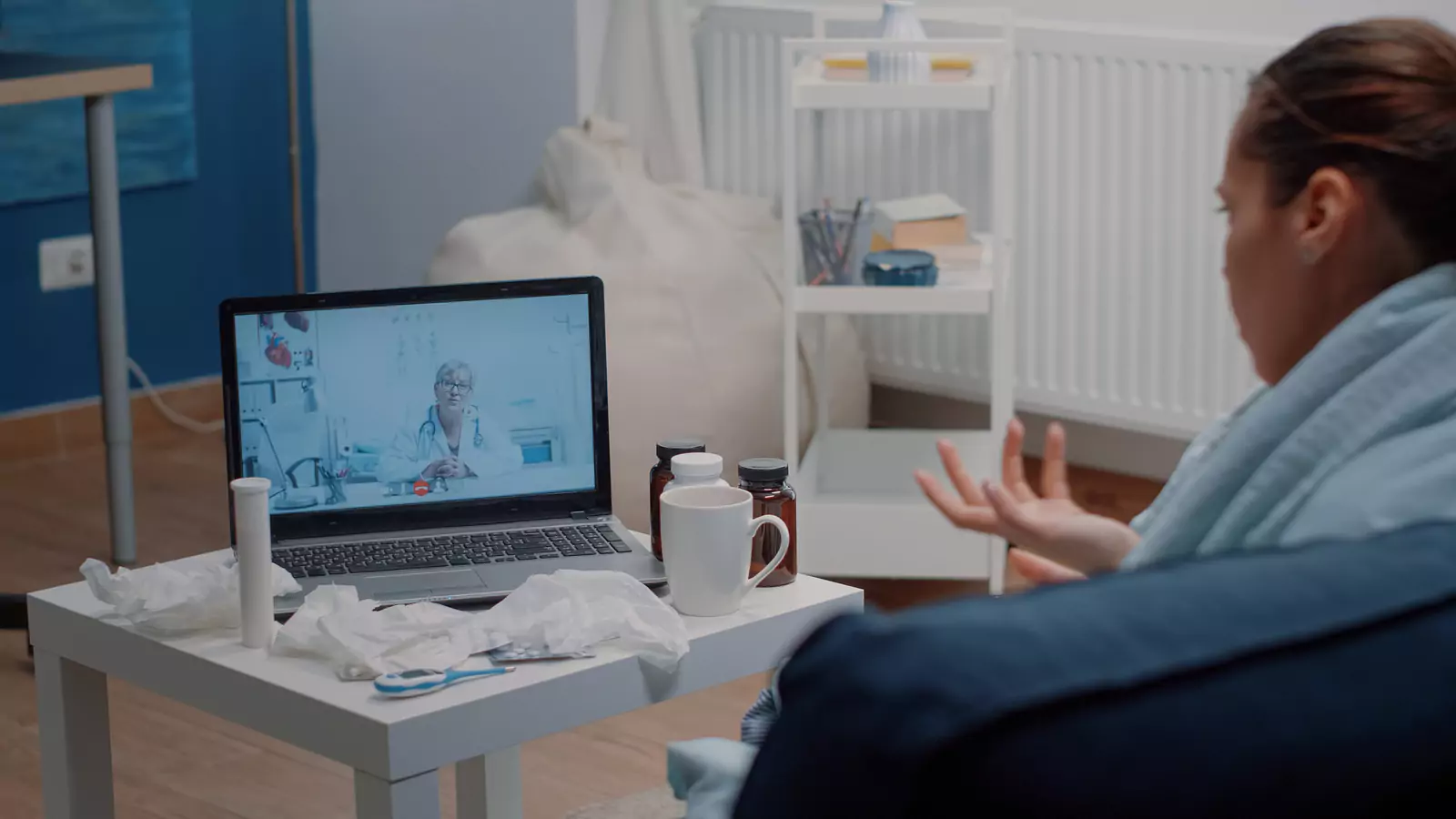







Choose Texas Virtual Care by Clinical Need
Start with what providers must hear, see, or measure.
“Can This Be Virtual?” Is Really Five Questions
Telehealth is a care setting, not a diagnosis.
A video visit may be useful for selected non-emergency symptoms, follow-up discussions, medication questions, and care navigation. It may be a poor fit when the provider needs a hands-on examination, specimen, imaging study, procedure, or emergency response.
Before scheduling, ask:
- Can the important history be described clearly?
- Can the relevant finding be seen reliably?
- Is a home measurement useful?
- Is a hands-on examination necessary?
- Is there a safe route to another setting?
VirtualCare2go provides Texas virtual care, subject to patient location, current scheduling, service requirements, and provider assessment.
The provider may recommend a different care setting after learning more. That is an appropriate clinical outcome.
Name the Decision You Need
A broad goal such as “I want to feel better” is understandable but difficult to assess.
A focused clinical question gives the visit direction:
- “Does this symptom need an in-person examination?”
- “Is this improving as expected?”
- “Could a medicine be contributing?”
- “What should I monitor?”
- “Do I need testing?”
- “Which care setting is safest?”
- “When should I follow up?”
Write the question at the top of a one-page note. Add symptom onset, important changes, treatments tried, medicines, relevant conditions, and warning signs.
Do not minimize symptoms to preserve the virtual appointment.
Use the Health History Well
Telehealth can support detailed conversation about:
- Timing
- Pattern
- Severity
- Exposures
- Medication use
- Previous episodes
- Response to home care
- Relevant diagnoses
- Recent procedures
- Pregnancy status when relevant
History may be particularly useful when symptoms are stable, the timeline is clear, relevant records are available, and the main goal is counseling, follow-up, or care navigation.
History also has limits. Similar symptoms can have different causes. A virtual conversation cannot confirm every diagnosis.
The provider may offer a working assessment and conditional plan rather than a final answer.
Improve the Video Examination
Video may allow the provider to observe:
- General appearance
- Speech
- Movement
- Breathing effort
- Swelling
- Selected skin findings
Improve image quality by:
- Facing a light source
- Cleaning the camera lens
- Stabilizing the device
- Removing filters
- Showing the wider area first
- Wearing clothing that permits appropriate viewing
- Leaving room to move safely
- Asking before sending photos
Never perform a painful, invasive, or unsafe maneuver for the camera.
Video cannot reproduce touch, internal examination, accurate color under every light, or all elements of a physical assessment.
Use Measurements Without False Reassurance
Temperature, weight, blood pressure, pulse, glucose, or oxygen saturation may add context for some visits.
Record:
- Value
- Time
- Device
- Method
- Whether you were resting
- Symptoms
- Whether it was repeated
One consumer-device reading should not create false reassurance or panic.
Do not change medicine solely because of a home measurement unless a clinician has provided a specific action plan.
Not owning a device does not automatically prevent telehealth. Tell the provider what is and is not available.
Recognize the Hands-On Gap
Some questions require a provider to:
- Examine the ear
- Listen to the lungs
- Feel the abdomen
- Check circulation
- Assess reflexes
- Test joint stability
- Collect a specimen
- Perform pregnancy or urine testing
- Order imaging
- Treat a wound
- Evaluate severe symptoms directly
A virtual appointment can identify those needs but cannot complete every service.
Ask whether in-person care is needed immediately, within a specified period, or only if symptoms do not improve.
Build Three Care Routes
Virtual route
Use when remote assessment is clinically appropriate and the plan can be followed safely at home.
In-person route
Know which primary care clinic, urgent care center, laboratory, or imaging location may be available. Verify hours rather than assuming walk-in access.
Emergency route
Call 911 for severe chest pain, significant breathing difficulty, stroke signs, loss of consciousness, severe allergic symptoms, uncontrolled bleeding, or another potentially life-threatening emergency.
The emergency route should be based on symptoms, not insurance status.
Prepare the Room and Records
Federal telehealth guidance recommends checking the cost, visit details, accessibility needs, technology, lighting, sound, and privacy.
Keep nearby:
- Identification
- Insurance information
- Symptom timeline
- Medicines
- Allergies
- Home readings
- Relevant records
- Pharmacy details
- Questions
- Charger
- Reconnection instructions
Connect early and close unnecessary applications. Do not conduct the visit while driving, shopping, or operating machinery.
Be prepared to confirm physical location in Texas.
Verify Cost Without Letting It Drive Urgency
Before scheduling, ask:
- Is the provider in network?
- Is the service covered through telehealth?
- Does the plan require video?
- What patient cost may apply?
- Are testing and prescriptions separate?
- Is in-person follow-up separate?
- Are referrals or authorizations required?
VirtualCare2go also provides self-pay information and membership information. Review current terms directly.
Never allow a coverage question to delay emergency care.
Judge the Visit by the Next Step
A useful virtual visit does not have to end with a prescription.
It may produce:
- Home-care plan
- Monitoring instructions
- Medication review
- Record request
- Testing recommendation
- Referral
- In-person examination
- Emergency direction
- Follow-up interval
Before disconnecting, ask what is most likely, what remains uncertain, and what would change the plan.
Frequently Asked Questions
What can VirtualCare2go treat online?
VirtualCare2go lists many appropriate non-life-threatening concerns. The provider determines whether the individual condition can remain virtual.
Are same-day appointments available?
Same-day consultations may be available depending on scheduling. Availability is not guaranteed.
Can an online provider prescribe medicine?
A provider may prescribe when clinically appropriate. Prescriptions are never guaranteed.
Can telehealth diagnose every condition?
No. Some conditions require hands-on examination, testing, imaging, or emergency care.
How much does a visit cost?
VirtualCare2go currently publishes insurance, self-pay, and membership information. Review current terms and verify individual benefits before care.
Call to Action
Review VirtualCare2go online urgent care, define the clinical question you need answered, prepare an in-person backup route, and check current Texas appointment availability.
Medical Disclaimer: This article is educational and is not a diagnosis, individualized medical advice, or a substitute for professional care. The appropriate care setting depends on symptoms, history, location, availability, and provider assessment. Insurance coverage and costs vary by plan. Call 911 or go to the nearest emergency department for an emergency.