
 ES

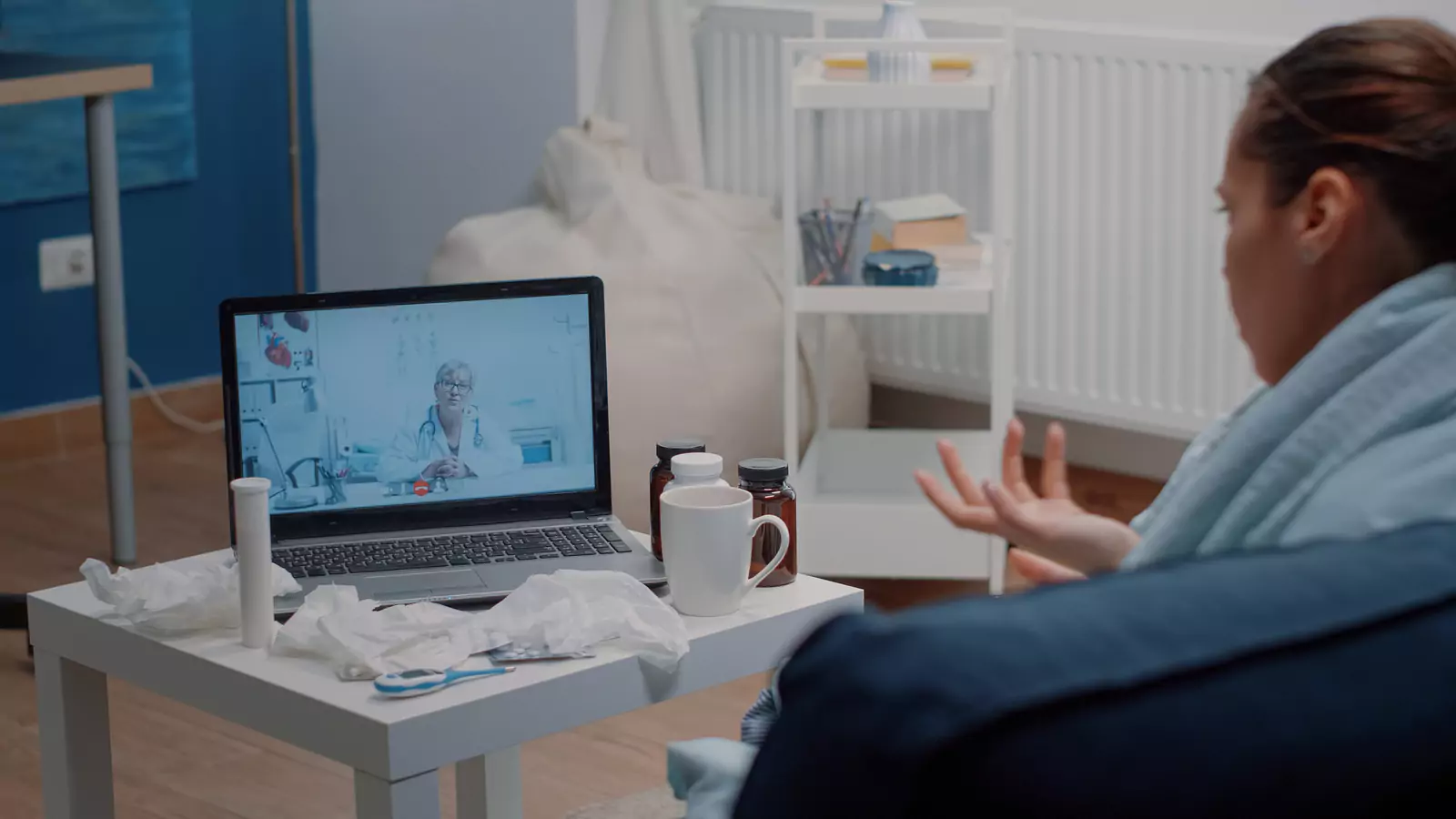







Use Medicaid Telehealth With a Local Backup
A virtual visit works better when pharmacy, testing, clinic, and emergency routes are already mapped.
The screen is one part of the care route
A virtual appointment can remove transportation, distance, and scheduling barriers for some non-emergency healthcare needs. The patient can speak with a clinician from an appropriate private location without first traveling to a waiting room.
However, a video visit does not make local healthcare resources unnecessary.
The clinician may recommend a prescription, laboratory test, hands-on examination, imaging study, or emergency evaluation. The patient may also experience a technology problem or learn that the concern cannot be evaluated adequately through video.
Texas Medicaid members can prepare for those possibilities by building a local backup plan before the appointment begins.
VirtualCare2go publishes information for patients using Texas Medicaid. Plan participation does not guarantee that every Medicaid product, member, service, appointment, prescription, or follow-up expense will be covered. Eligibility, network rules, authorization requirements, and patient costs depend on the member’s exact plan.
Identify the exact Medicaid plan
“Texas Medicaid” describes a broad program, not one identical benefit arrangement for every patient.
Members may receive benefits through different managed-care organizations and programs. The card should identify the plan, member, contact number, and other information needed for verification.
Before scheduling, confirm:
- The member’s full name
- Member identification number
- Current Medicaid plan
- Effective coverage date
- VirtualCare2go’s current network status
- Whether virtual urgent care is covered
- Whether a referral or authorization is required
- Whether the patient must use a particular platform
- Whether copayments or other costs may apply
- Whether follow-up services use different network rules
Start with the VirtualCare2go Texas Medicaid information, then verify benefits directly with the plan.
A representative’s pre-visit explanation is not a guarantee of claim payment. Final processing can depend on eligibility, services provided, coding, medical-necessity rules, and the terms in effect on the appointment date.
Decide whether the concern can start virtually
Telehealth may be useful for concerns that can be evaluated through history, conversation, visual observation, and information available at the patient’s location.
Virtual care may be considered for certain non-emergency concerns such as:
- Mild respiratory symptoms
- Sore throat
- Minor skin concerns visible on camera
- Some urinary symptoms
- Medication questions
- Follow-up conversations
- General guidance about the next care setting
- Other concerns accepted by the service
Clinical suitability depends on the patient’s age, symptoms, medical history, location, and clinician judgment.
A virtual clinician cannot physically examine the abdomen, listen directly to the lungs, perform imaging, close a wound, or complete every diagnostic test. Even when the appointment begins virtually, the safest plan may involve in-person care.
Review VirtualCare2go’s virtual urgent care information and describe the concern accurately during scheduling.
Use an emergency gate before logging in
VirtualCare2go should not be used as a substitute for emergency care.
Call 911 or go to the nearest emergency department for severe breathing difficulty, severe or persistent chest pain, signs of stroke, new confusion, loss of consciousness, uncontrolled bleeding, a severe allergic reaction, major trauma, or another potentially life-threatening problem.
Do not wait for a virtual appointment because it has already been scheduled. Do not wait for Medicaid verification when emergency symptoms are present.
Reassess symptoms immediately before the visit. A concern that appeared mild during booking may have changed.
Draw a local backup map
Write down four local destinations before the appointment.
A pharmacy that can receive a prescription
Confirm:
- Pharmacy name
- Complete address
- Telephone number
- Current hours
- Whether the pharmacy accepts the member’s plan
- Whether the patient can reach it
- Whether delivery is available
A virtual visit does not guarantee that a prescription will be issued. The clinician must determine whether medication is medically appropriate and permitted through telehealth.
The pharmacy may also need to contact the clinician about availability, formulary restrictions, or an alternative medicine.
A testing location
The clinician may recommend laboratory testing or another diagnostic service.
Identify a nearby in-network location and ask:
- Is an order required?
- Is an appointment required?
- Does the facility offer the specific test?
- Are there preparation instructions?
- When are results expected?
- Who will interpret them?
- Is the facility in the Medicaid plan’s network?
Do not travel to a testing site until the order and location have been confirmed.
A clinic for hands-on follow-up
A physical examination may be needed when the video visit cannot answer the clinical question.
Identify a local primary care or urgent care clinic that accepts the patient’s exact Medicaid product. Confirm the address, hours, scheduling process, and available services.
The virtual clinician may recommend a different location based on the concern. Use the prepared clinic as a backup, not as a predetermined destination that overrides clinical advice.
An emergency route
Know which emergency department is reasonably accessible and when to call 911 rather than arranging private transportation.
Save the home or current physical address where the virtual appointment will occur. The clinician may need that information if symptoms become urgent during the visit.
Prepare the virtual examination
A good setup helps the clinician obtain useful information.
Choose a location with:
- Reliable internet or cellular service
- Bright front-facing light
- A working camera and microphone
- Reasonable privacy
- Low background noise
- Enough space to reposition the camera
- A charged device
- The patient physically present
Keep nearby:
- Medicaid card
- Photo identification
- Medication and allergy lists
- Symptom timeline
- Recent test results
- Preferred pharmacy details
- Temperature or other safely obtained measurements
- Contact information for the patient’s PCP
- Paper for instructions
Do not rely on a home device that is malfunctioning or unfamiliar. If a measurement seems inconsistent with the patient’s condition, tell the clinician how it was obtained.
For a skin concern, use clear lighting without filters. For respiratory symptoms, be prepared to describe breathing, activity tolerance, fever, and symptom progression. Do not perform a physical maneuver that feels unsafe.
Give the clinician a concise symptom story
Begin with:
- The main concern
- When it started
- Whether it is improving or worsening
- Important associated symptoms
- Treatments already tried
- Relevant medical conditions
- Current medicines
- Allergies
- Recent exposures or procedures
- What the patient hopes to decide
A chronological explanation is usually easier to interpret than an unorganized list.
Mention pregnancy, immune suppression, recent hospitalization, significant heart or lung disease, or another factor that could affect urgency when relevant.
Assign an owner to every next step
Before the visit ends, clarify:
- What is the working assessment?
- What remains uncertain?
- Is medication recommended?
- Is testing needed?
- Who sends the order?
- Where should the patient go?
- Who communicates the result?
- Is hands-on evaluation required?
- When should symptoms be checked again?
- Which changes require emergency care?
- Should the visit summary go to primary care?
A statement such as “get checked if you feel worse” may be too vague. Ask what specific changes would matter and which setting should be used.
Keep clinical and insurance records together
Save:
- Appointment confirmation
- Visit summary
- Test orders
- Medication instructions
- Referral information
- Medicaid verification notes
- Representative reference numbers
- Claim or explanation-of-benefits documents
- Follow-up messages
If the plan processes the claim differently from the pre-visit explanation, use the notes to ask a focused question.
The federal Medicaid program recognizes telehealth as a delivery method rather than a separate benefit category, and coverage implementation varies by state and program. Patients can review the general Medicaid telehealth overview while relying on their current Texas plan for specific coverage information.
Make local care part of virtual access
A virtual appointment becomes more useful when the patient already knows how to reach a pharmacy, testing site, clinic, and emergency department.
Review the VirtualCare2go Texas Medicaid page, confirm current plan-specific benefits, and prepare the local backup map before requesting care.
Virtual appointment availability, coverage, prescribing, testing, and follow-up depend on patient location, scheduling, clinical needs, applicable requirements, and provider judgment.
Medical disclaimer: This article is educational and is not a diagnosis, individualized medical advice, or a substitute for professional care. Texas Medicaid coverage, eligibility, network status, authorization, and patient costs depend on the member’s exact current plan and should be verified. Call 911 or go to the nearest emergency department for an emergency.